
Invoice Reconciliation Workflow: A Practical Guide
Build an invoice reconciliation workflow that connects source documents, extracted fields, payment evidence, exceptions, and accountant handoff.
Invoice collection and invoice reconciliation are different jobs. Collection gets the source document into one place. Reconciliation checks whether the invoice record, original document, and payment evidence agree.
A reliable month-end process needs both. Otherwise a complete-looking PDF folder can still contain duplicate documents, missing payments, incorrect totals, or transactions with no invoice attached.
Define the Records You Need to Match
Use three record types:
- Source document: the original invoice, receipt, or credit note.
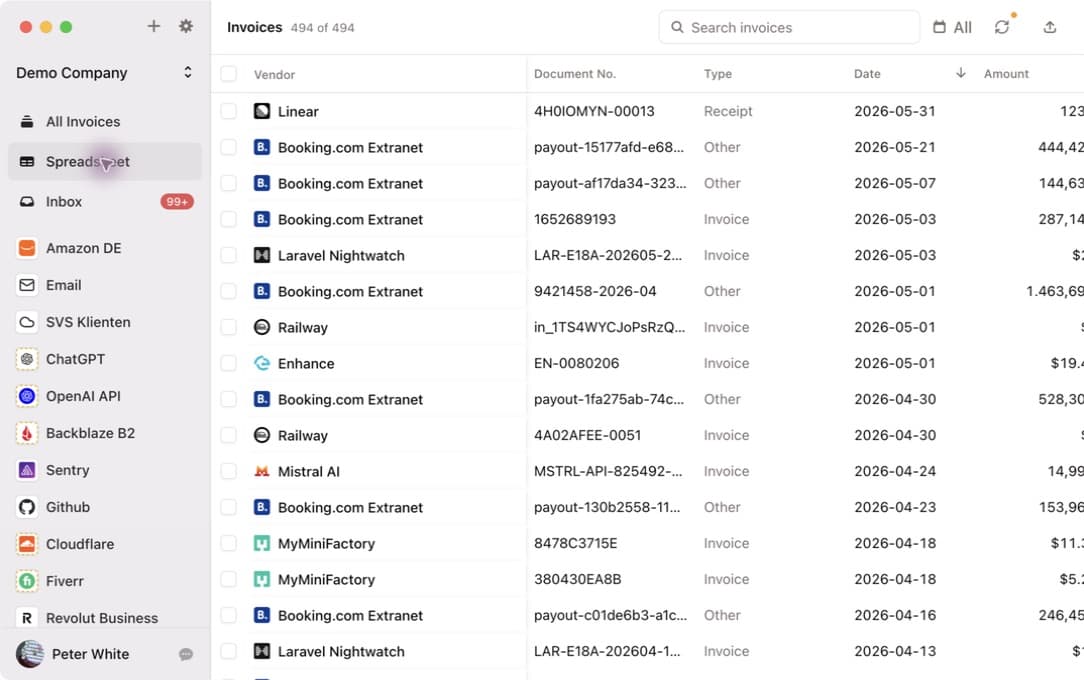
- Invoice record: vendor, invoice number, date, amount, currency, tax, and document type.
- Payment evidence: bank transaction, card charge, payment batch, or accounting entry.
Keep the source document attached to the invoice record. A spreadsheet row without the original file is hard to audit, while a PDF without structured fields is slow to match.
Normalize Before Matching
Reconciliation becomes easier when invoice fields follow consistent rules. Before comparing payments, verify:
- Vendor names use one recognizable form
- Credit notes have the correct document type and sign
- Dates use a consistent format
- Currency is explicit
- Gross and net totals are not confused
- Invoice numbers retain leading zeros and punctuation where required
Do not silently overwrite the source document. Corrections should improve the structured record while preserving the evidence that arrived from the supplier.
Match in a Predictable Order
Start with the strongest signals and only widen the match when needed:
- Exact invoice number or payment reference
- Exact amount and currency
- Vendor plus a reasonable date window
- Combined payments that cover several invoices
- Partial payments, fees, refunds, and foreign-exchange differences
Automatic suggestions can save time, but ambiguous matches need review. Two invoices from the same vendor can have identical totals, and payment dates may fall weeks after the invoice date.
Use an Exception Queue
Do not hide unmatched records in a general spreadsheet. Separate exceptions into clear groups:
- Payment with no invoice
- Invoice with no payment
- Duplicate invoice
- Amount mismatch
- Currency mismatch
- Credit note or refund
- Document that needs human review
Give each exception an owner and next action. The queue should answer what is missing, who will resolve it, and whether the month can close without it.
Separate Capture Problems From Payment Problems
When a payment has no document, first ask whether the invoice was never collected. Search connected mailboxes, supplier portals, shared folders, and employee-forwarded messages before requesting another copy.
An invoice collector helps close the document gap, but it does not replace the accounting control that confirms the payment. See the Gmail invoice collection and Outlook invoice collection guides for email-source checks.
Export Only Reviewed Records
Exporting too early moves bad data downstream. Review the invoice record and original document first, then send it to the accounting destination.
Invoice Radar tracks export status and supports one-time export, folders, email, webhooks, and supported accounting destinations. The export documentation explains how to choose a date range, include CSV metadata, and avoid exporting the same invoice repeatedly.
For a human handoff, use the accountant invoice checklist to agree on folders, naming, cutoff dates, and exception ownership.
Measure the Workflow
Track a small set of month-end metrics:
- Percentage of payments with a source document
- Number of invoices needing field corrections
- Duplicate rate
- Unmatched payments after the first review
- Average time to resolve an exception
- Documents delivered after the accounting cutoff
These numbers reveal whether the problem is collection, data quality, matching, or communication. Improve the weakest stage rather than adding another tool without a clear target.